Real Faces, Real Trust: A New Profile Photo Policy for Freshcutr Barbers
Every Freshcutr barber — new and existing — now needs a clear, waist-up photo of themselves as their profile image. Here's what's changing, why it matters, and how to update yours in minutes.
Real Faces, Real Trust: A New Profile Photo Policy for Freshcutr Barbers
When someone books a Freshcutr barber, they're inviting a professional into their home or trusting them with one of the most personal services there is. That trust starts before a single word is exchanged — it starts with a face.
Today we're introducing a simple but important change: every Freshcutr barber, new and existing, must use a clear photo of themselves — framed from the waist up — as their profile image. No logos, no clip art, no photo of a haircut. Just you.
What's changing
Your profile image is the first thing a customer sees when they browse barbers, open your profile, or receive a booking request. From now on, that image must be:
- A real photo of you, the barber
- Framed from the waist up, so your face and upper body are clearly visible
- Recent, well-lit, and in focus
This replaces the old approach where any image — a shop logo, a fresh cut, or a stock photo — could stand in as your profile picture.
Why we're doing this
Freshcutr is built on trust. Customers are choosing who comes to their door, and barbers are meeting new clients every week. A clear, human photo does something a logo never can: it tells the customer exactly who to expect.
Real profile photos help everyone:
- Customers feel safe — they can recognise their barber on arrival and know they booked the right person.
- Barbers get more bookings — profiles with a genuine, friendly photo consistently earn more trust and more taps than faceless ones.
- The whole platform feels more human — real faces make Freshcutr a community, not a directory.
People don't book a logo. They book a person they feel they can trust.
What a great profile photo looks like
Here's a strong example — clear framing from the waist up, good lighting, and an approachable, professional look:
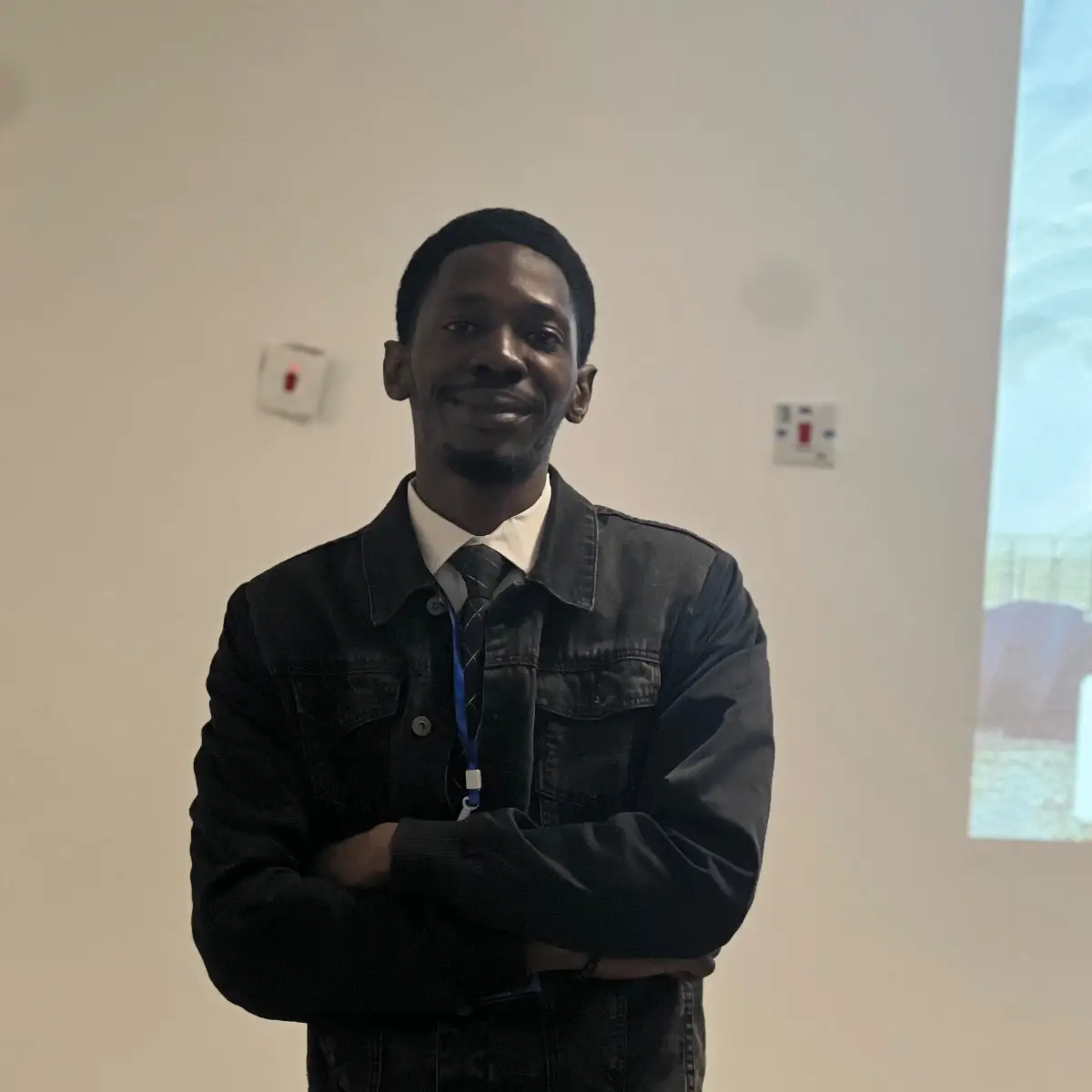
Aim for this:
- It's actually you — the barber customers will meet
- Waist up — head, shoulders, and upper body in frame
- Face clearly visible — no sunglasses, caps pulled low, or anything covering your face
- Good lighting — natural daylight works best; avoid dark or heavily shadowed shots
- A clean, simple background — your shop, a plain wall, or a tidy space
- Look approachable — a relaxed, confident expression goes a long way
What won't be accepted
To keep the standard consistent, these can no longer be used as your profile image (they're still welcome in your gallery and posts):
- Shop logos or text-only graphics
- Photos of a haircut, a client, or your work with no picture of you
- Group photos where it's unclear who you are
- Blurry, dark, or heavily filtered / AI-generated images
- Stock photos or images that aren't of you
For existing barbers
If your current profile image isn't a waist-up photo of you, please update it. Existing barbers have until 30 September 2026 to make the change.
For new barbers
A compliant profile photo is now part of getting approved. Uploading a clear, waist-up photo of yourself during sign-up helps us verify your account faster and gets you in front of customers sooner.
What happens next
After 30 September 2026, profiles without a compliant profile photo will be hidden from customer search and won't be able to accept new bookings until an approved photo is added. We'll send reminders before the deadline, so there's plenty of time — updating takes under a minute.
How to update your photo
It takes under a minute:
- Open the Freshcutr app and go to your Barber Dashboard
- Under Manage Business, tap Edit Profile
- At the top of the screen, tap your profile photo — the circle with the small camera icon (look for the *"Tap photo to change"* hint)
- Pick a clear, waist-up photo of yourself from your gallery
That's it — your new photo uploads and saves on its own, and you'll see a *"Profile photo updated"* confirmation. You don't need to tap Save Changes for the photo; that button only saves your other details like name, bio, and location.
Thank you for helping us build a platform customers can trust with confidence. A great cut earns a repeat client — and it starts with a face they recognise.
More from the blog
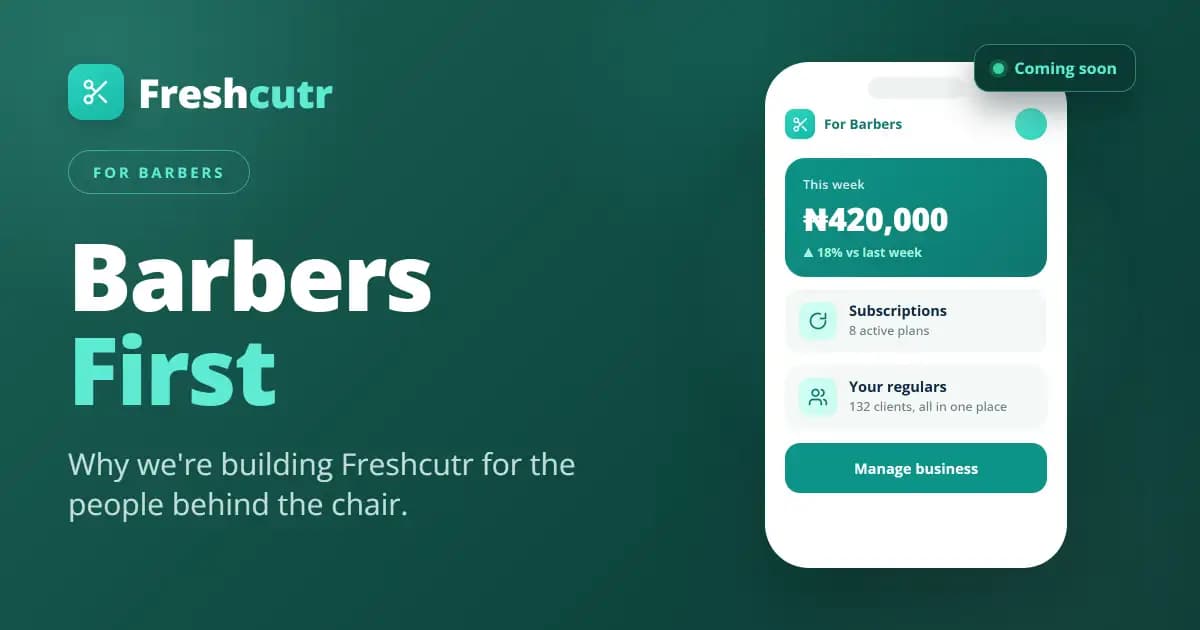
Barbers First: Why We're Building Freshcutr for the People Behind the Chair
Most marketplaces are built for the buyer. We're building Freshcutr the other way round — barber-first — with tools to bring your own clients, run subscriptions and promos, and a dedicated Barber app
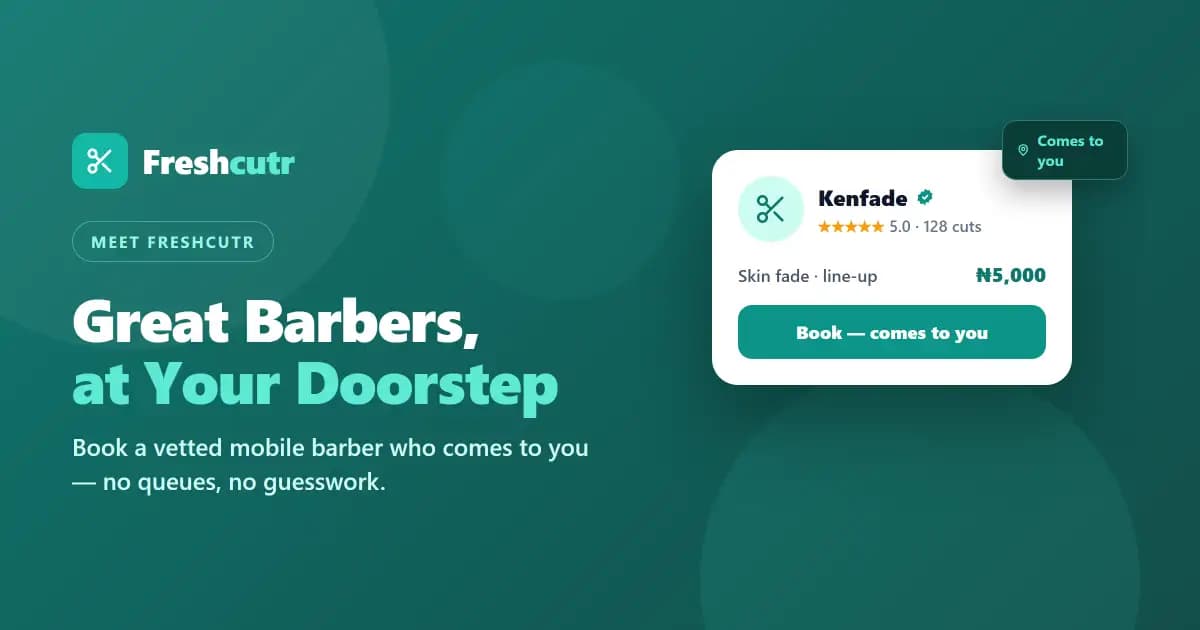
What Is Freshcutr? Great Barbers, at Your Doorstep
Freshcutr connects you with vetted mobile barbers who come to you — book a fresh cut in minutes, on your schedule, right at home.

Comments
Loading comments…